Examples / Events and communities
Events and communities
Programme, sign-ups and news in one link.
An event page with date, venue and times, a form for people who want updates and useful links for attendees. The QR code on posters brings everyone to the same place.
- 1Saturday · from 7pmDate and time, no doubts.
- 2Get updatesSubscribers get the news.
- 3ProgrammeThe programme is always the right one.
- 4How to get hereDirections open in maps.
- 5Photos from last yearPhotos from last year, to get an idea.
How it's used
How you use it, step by step.
A real-world example, from the first tap to the stats.
-
Step 1
You create the event page.
Title, description, venue, date, times and time zone.
Event page -
Step 2
You print the QR code.
On posters, flyers and at the entrance.
QR code -
Step 3
You collect sign-ups.
Email or phone of people who want updates, with consent.
Email · Phone -
Step 4
You update the programme.
Change times and links: the QR code always leads to the right page.
Page -
Step 5
You count who comes.
Scans and clicks for every QR code and every channel.
Stats
People who sign up share their data with you: let them know with your privacy notice.
Events and communities
Your visitors
What they find.
- Date, venue and times
- Sign-up for updates
- Programme and directions
You
What you get.
- Subscribers with consent
- A QR code for every poster
- Scans and clicks by channel
Blocks used
- Event page
- QR code
- Email sign-up
- Phone collector
- Links
- Socials
More examples
See the other trades.
Every page adapts to what you do.
- Creators and influencers.Videos, partnerships and newsletter in one link.Open the example
- Musicians and artists.New releases, gigs and merch in one link.Open the example
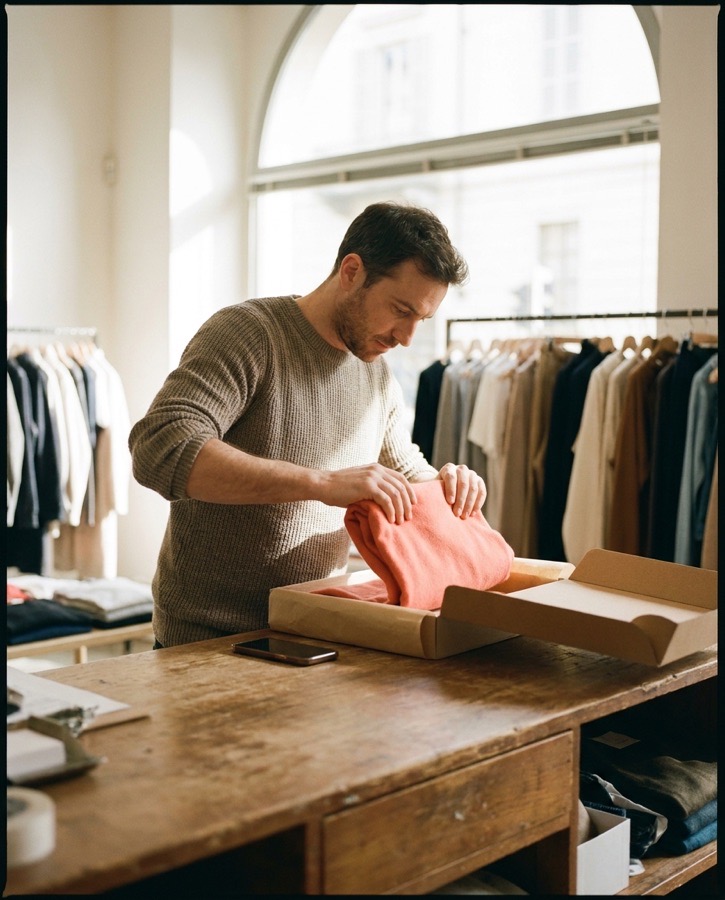
- Shops and e-commerce.Your shop window, on your customers' phones.Open the example
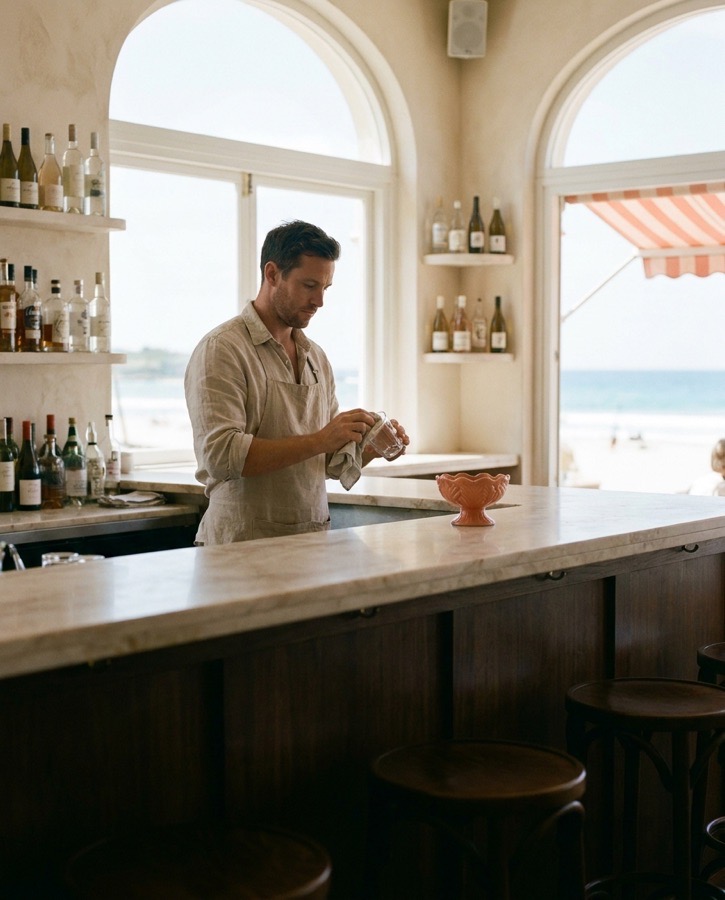
- Restaurants and bars.Menu, hours and bookings from a QR code on the table.Open the example
- Professionals and studios.The business card that stays up to date.Open the example
 Can't find your case?Need more pages, your own domain or a custom project? Tell us what you need.Contact us



Start now
Is your name still free?
Reserve your address now. You can finish the page whenever you like.