Examples / Shops and e-commerce
Shops and e-commerce
Your shop window, on your customers' phones.
New arrivals, offers, online shop and contacts on one page. With a QR code in the window or in the parcel, customers reach your shop, your chat or your address.
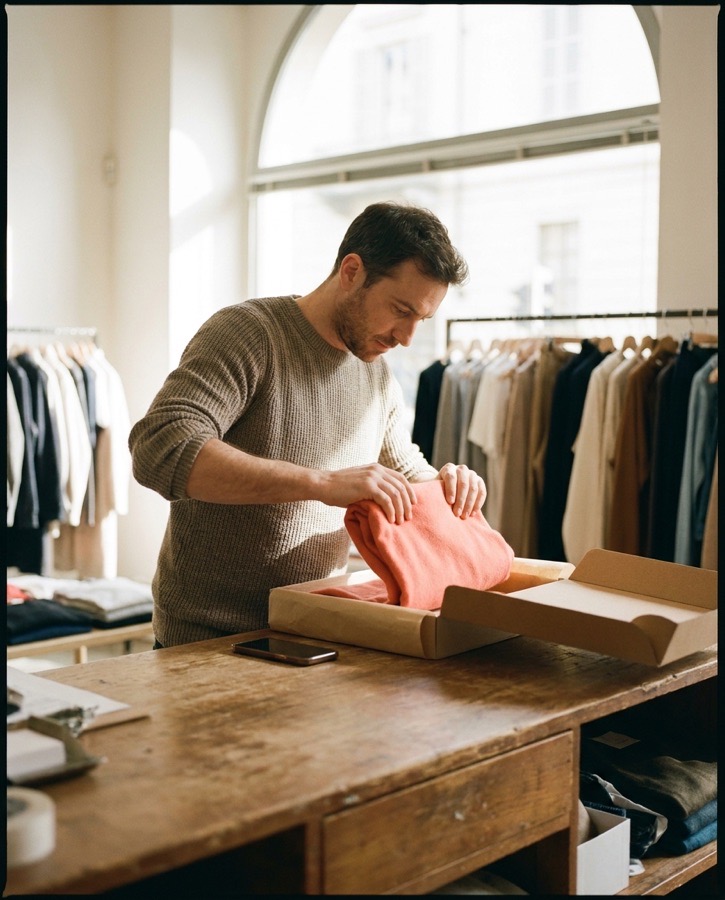
- 1New collectionThis month's news is on top.
- 2Online shopThe online shop is one tap away.
- 3Message usThe chat opens ready to go.
- 4Shop hoursOpening hours are always right.
- 5Offers by emailOffers arrive by email.
Illustrative scene generated with AI
How it's used
How you use it, step by step.
A real-world example, from the first tap to the stats.
-
Step 1
The customer scans the QR code.
In the window, on the receipt or in the parcel.
QR code -
Step 2
They see what's new.
The new collection and this month's offer are on top.
Page -
Step 3
They buy or message you.
The button opens the online shop or a ready-to-go chat.
Link -
Step 4
They find your shop.
Opening hours and directions, always up to date.
Opening hours -
Step 5
You measure the campaign.
With UTM and pixels you know which QR code or post brings visits.
UTM · Pixel
Chat and online shop are links to the services you already use.
Shops and e-commerce
Your visitors
What they find.
- New arrivals and offers
- The online shop one tap away
- Opening hours and address
You
What you get.
- A QR code for every window or campaign
- Customers subscribed to your offers
- Visits measured with UTM and pixels
Blocks used
- Links
- QR code
- Opening hours
- Email sign-up
- Pixel
- UTM
More examples
See the other trades.
Every page adapts to what you do.
- Creators and influencers.Videos, partnerships and newsletter in one link.Open the example
- Musicians and artists.New releases, gigs and merch in one link.Open the example
- Restaurants and bars.Menu, hours and bookings from a QR code on the table.Open the example
- Professionals and studios.The business card that stays up to date.Open the example
- Events and communities.Programme, sign-ups and news in one link.Open the example
 Can't find your case?Need more pages, your own domain or a custom project? Tell us what you need.Contact us



Start now
Is your name still free?
Reserve your address now. You can finish the page whenever you like.